
Features
Everything for deep study
Vidyabase 2.x is a complete rewrite: one reader for every device, built for reading, marking and finding your way through large libraries.
Now on every device
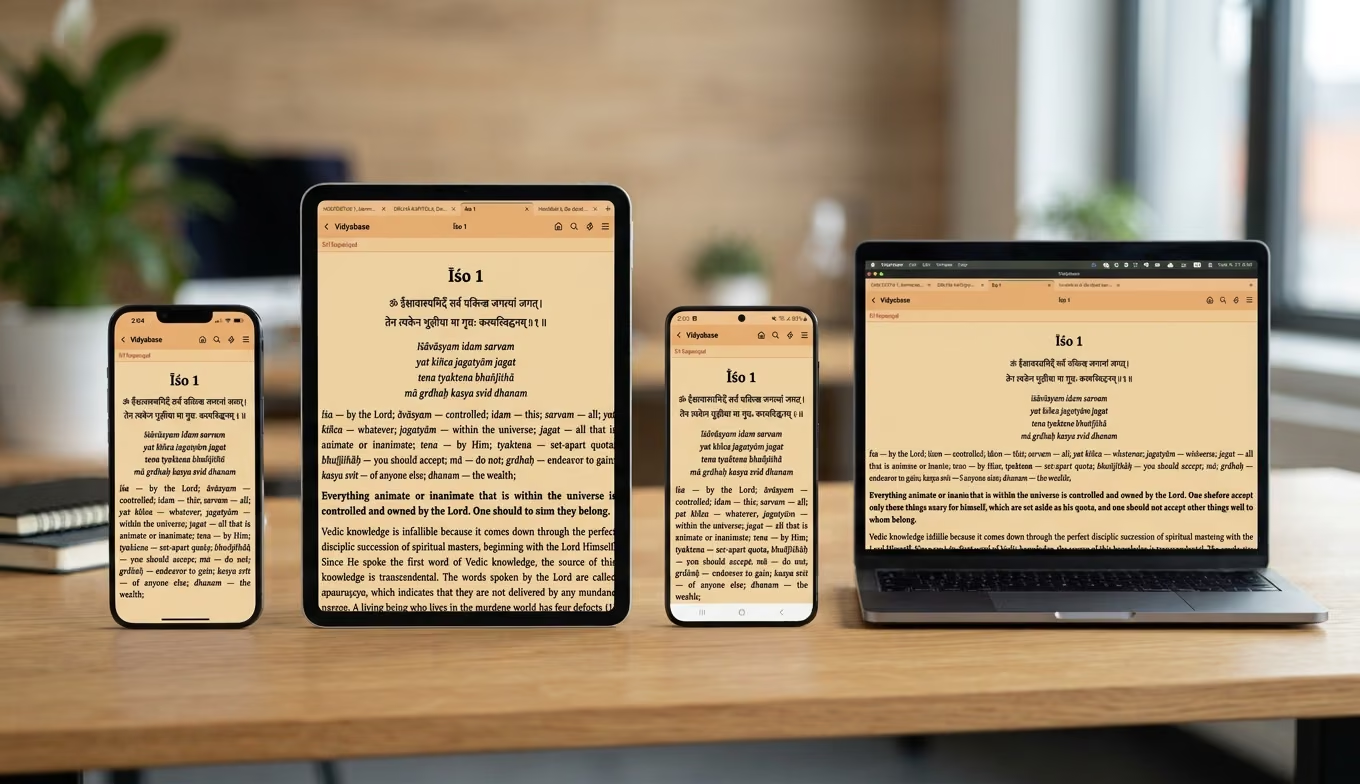
Vidyabase 2.x was rebuilt from the ground up so the same reader runs on your phone, your tablet and your computer. Read on the train, prepare a class on your laptop, look up a verse on your tablet.
Your library, offline
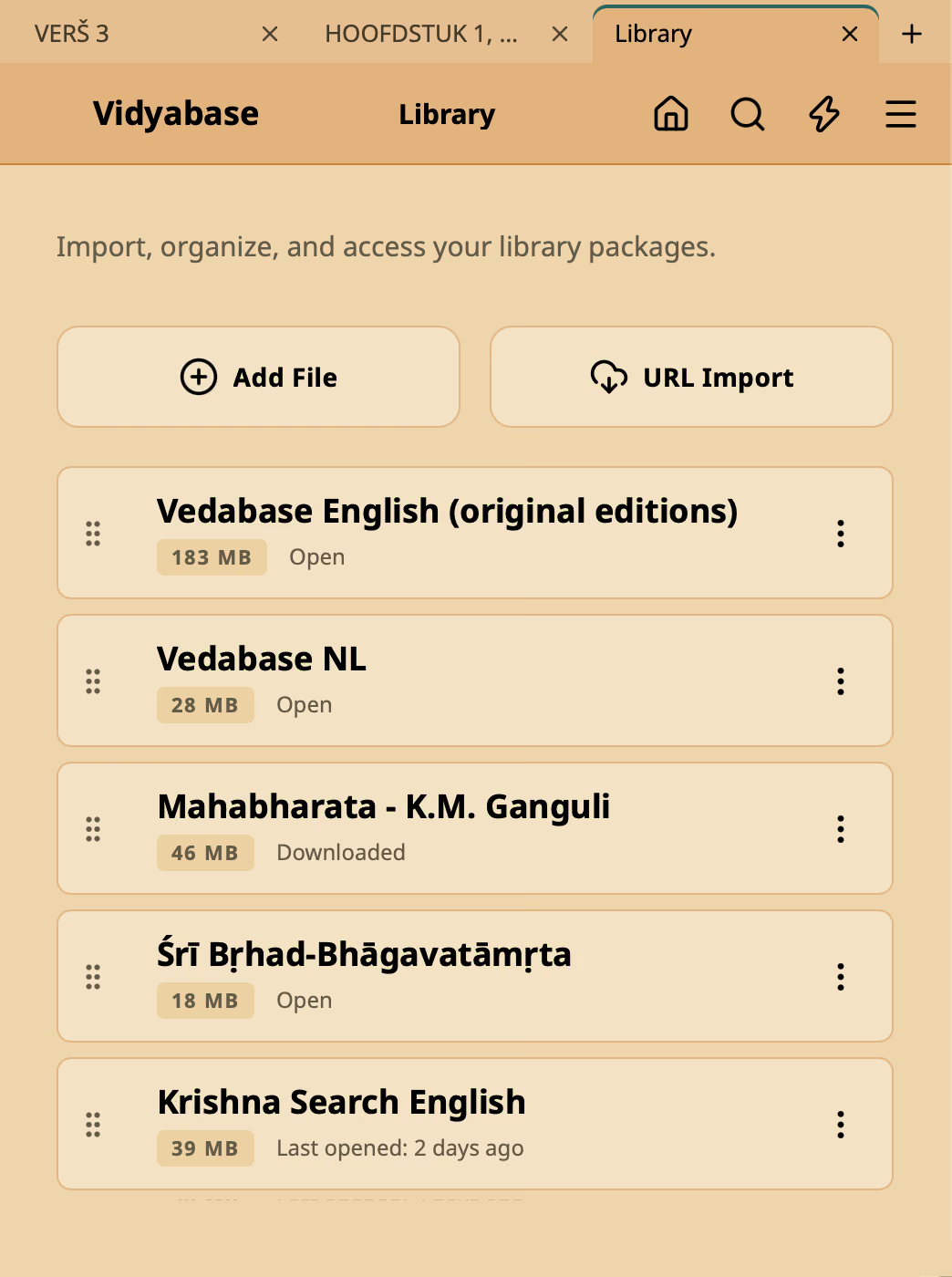
A single .vidya file holds a complete library — books, lectures, letters — with its structure of verses, translations and purports. Add it once and everything works offline: reading, search, highlights and notes.
Read in tabs
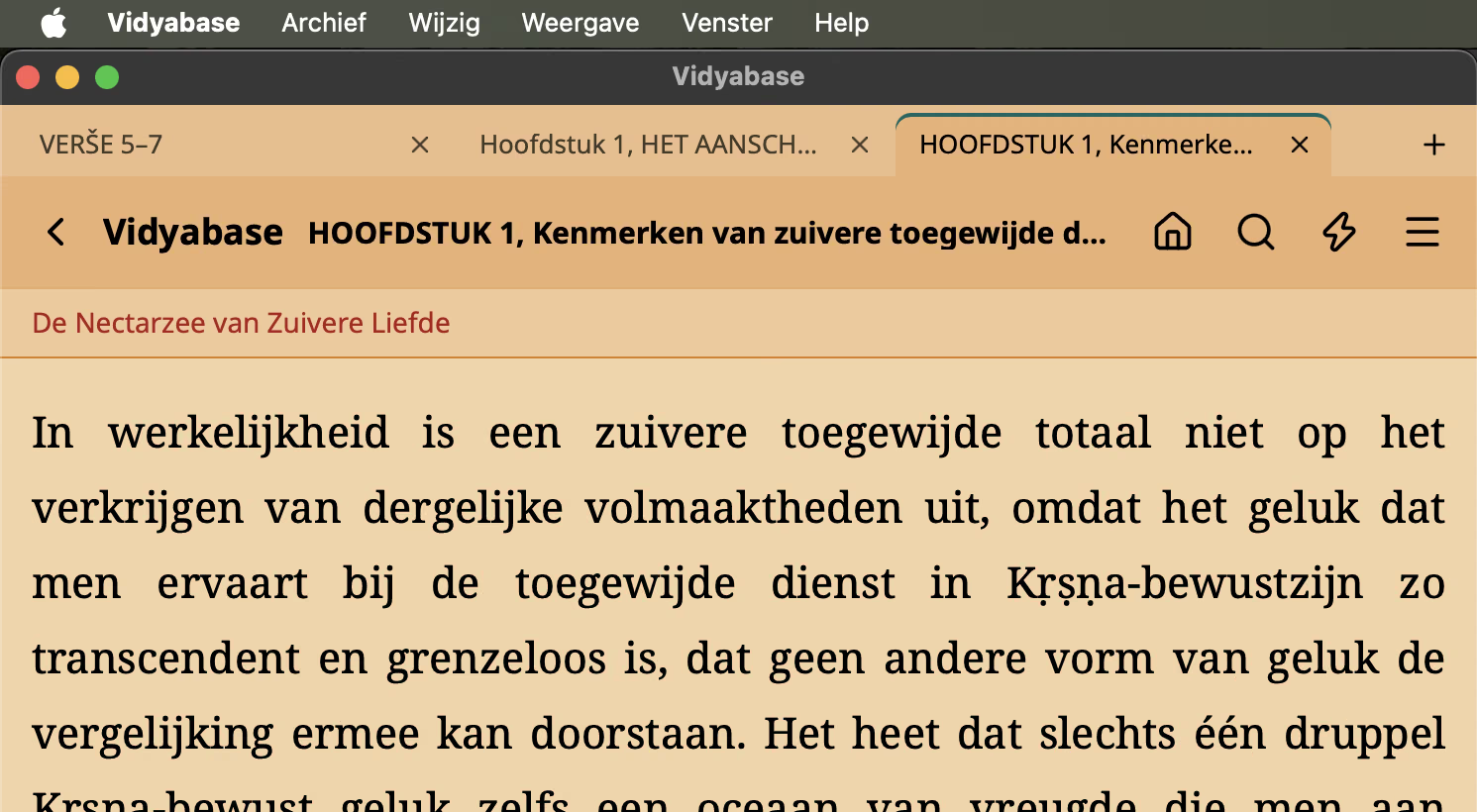
Each tab keeps its own page and history. Open a cross-reference in a new tab without losing your place, and find your tabs again the next time you open the app.
Highlights, notes & collections
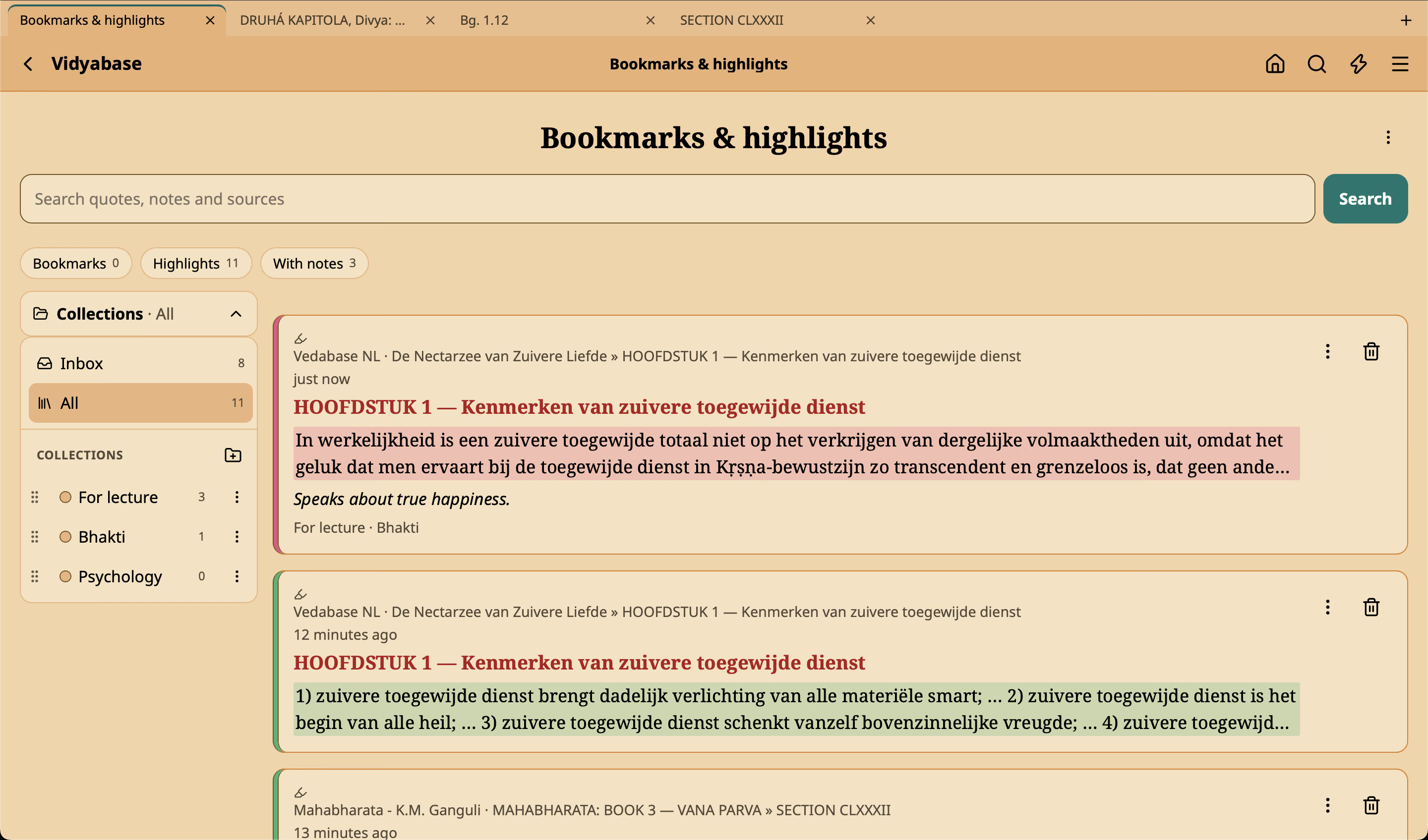
Highlight a passage in yellow, green, blue, pink or orange. Add a note with headings, lists, bold and italics. File highlights and bookmarks into collections — nested as deep as you like — and filter or search them later. Everything stays on your device.
Search your whole library
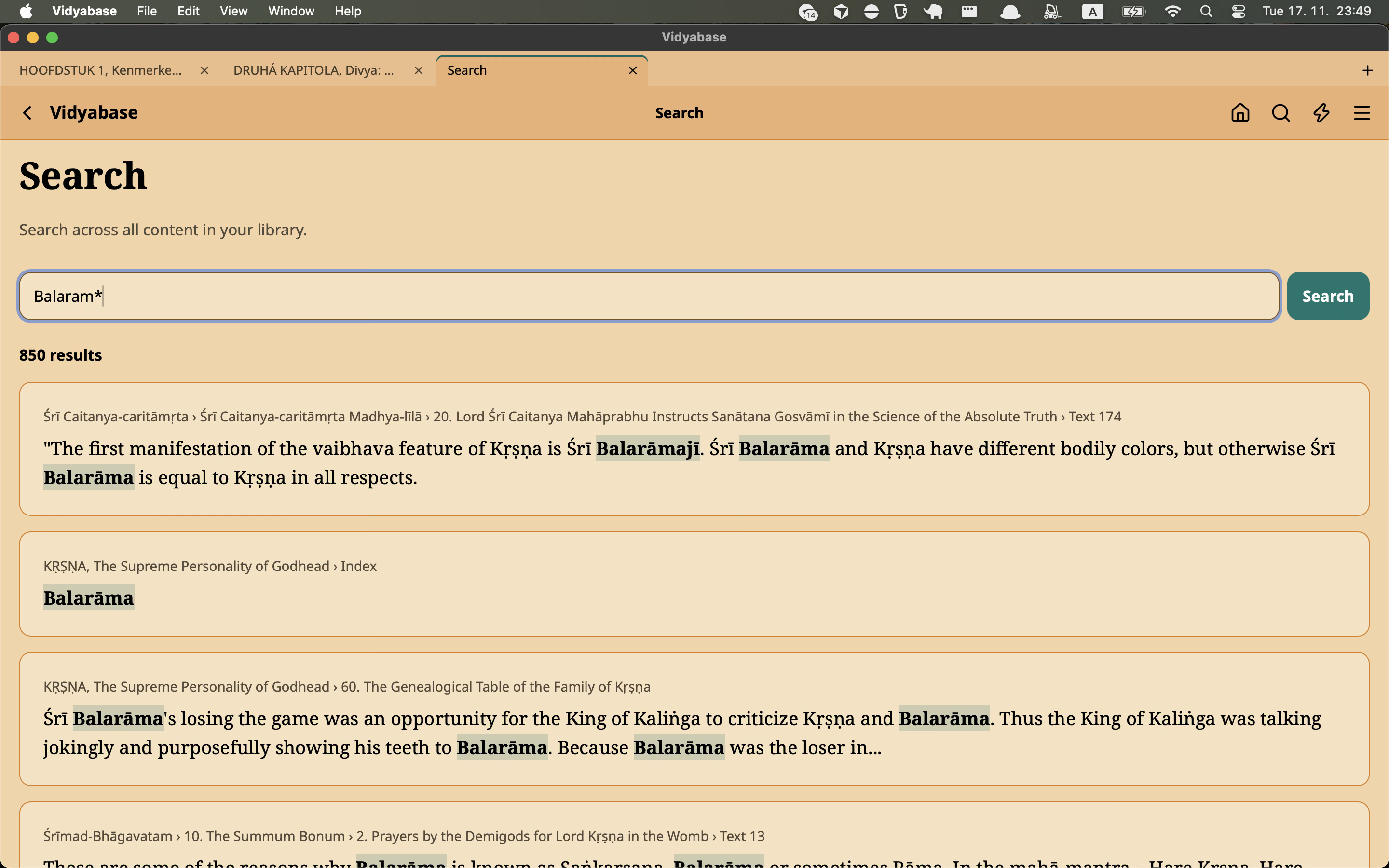
Search the whole library and jump straight to the result, or find a word on the current page. You don’t need to type diacritics: “krsna” also finds “Kṛṣṇa”.
Jump to any verse
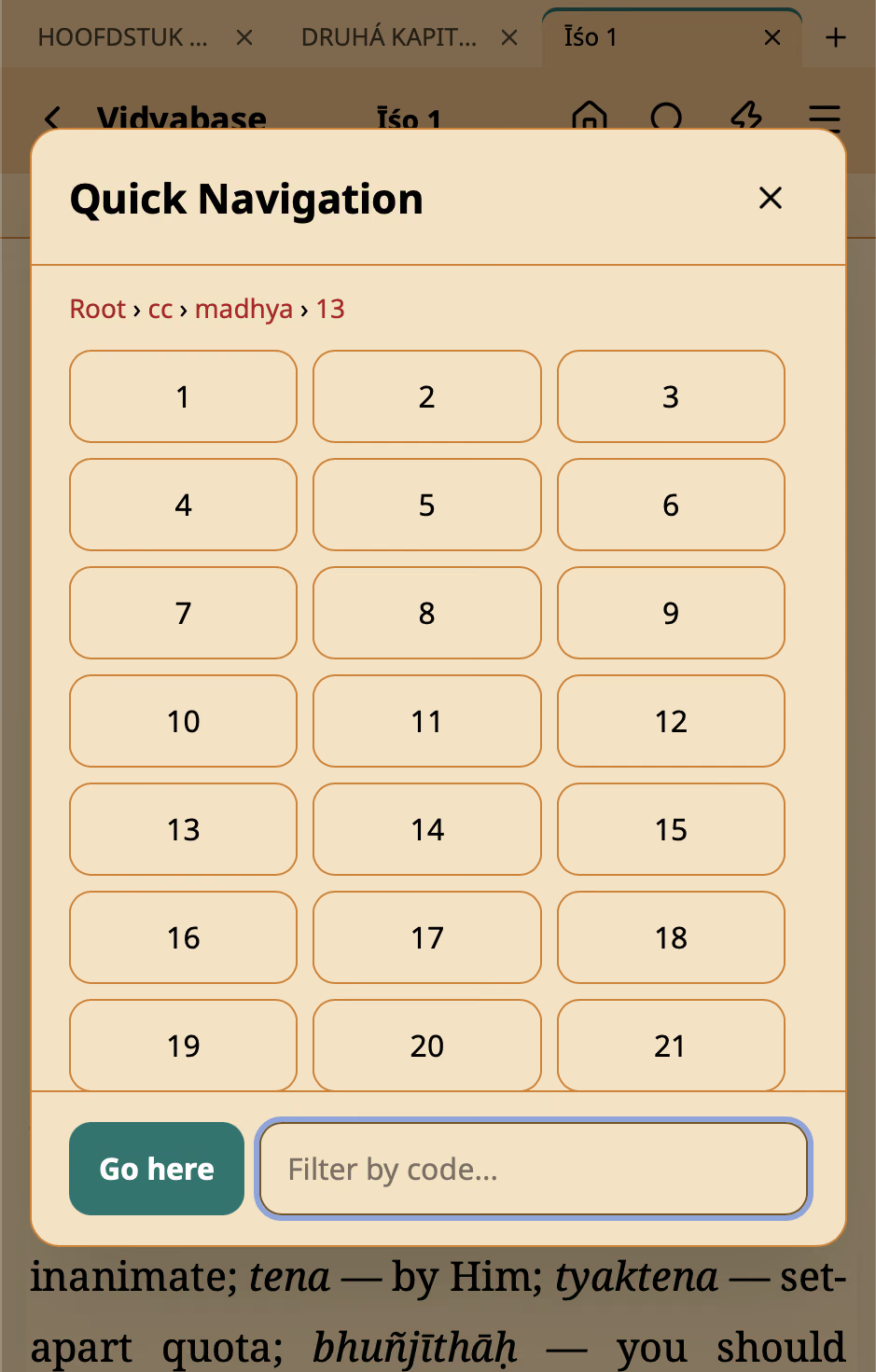
Quick Navigation shows a dial pad of book codes. Tap one (like “bg”) to see the codes beneath it, and keep tapping until you reach the verse — “bg”, “2”, “13” opens Bhagavad Gita 2.13. A filter field narrows the codes to those starting with what you type. (Available in libraries that support it.)
Copy & share with references
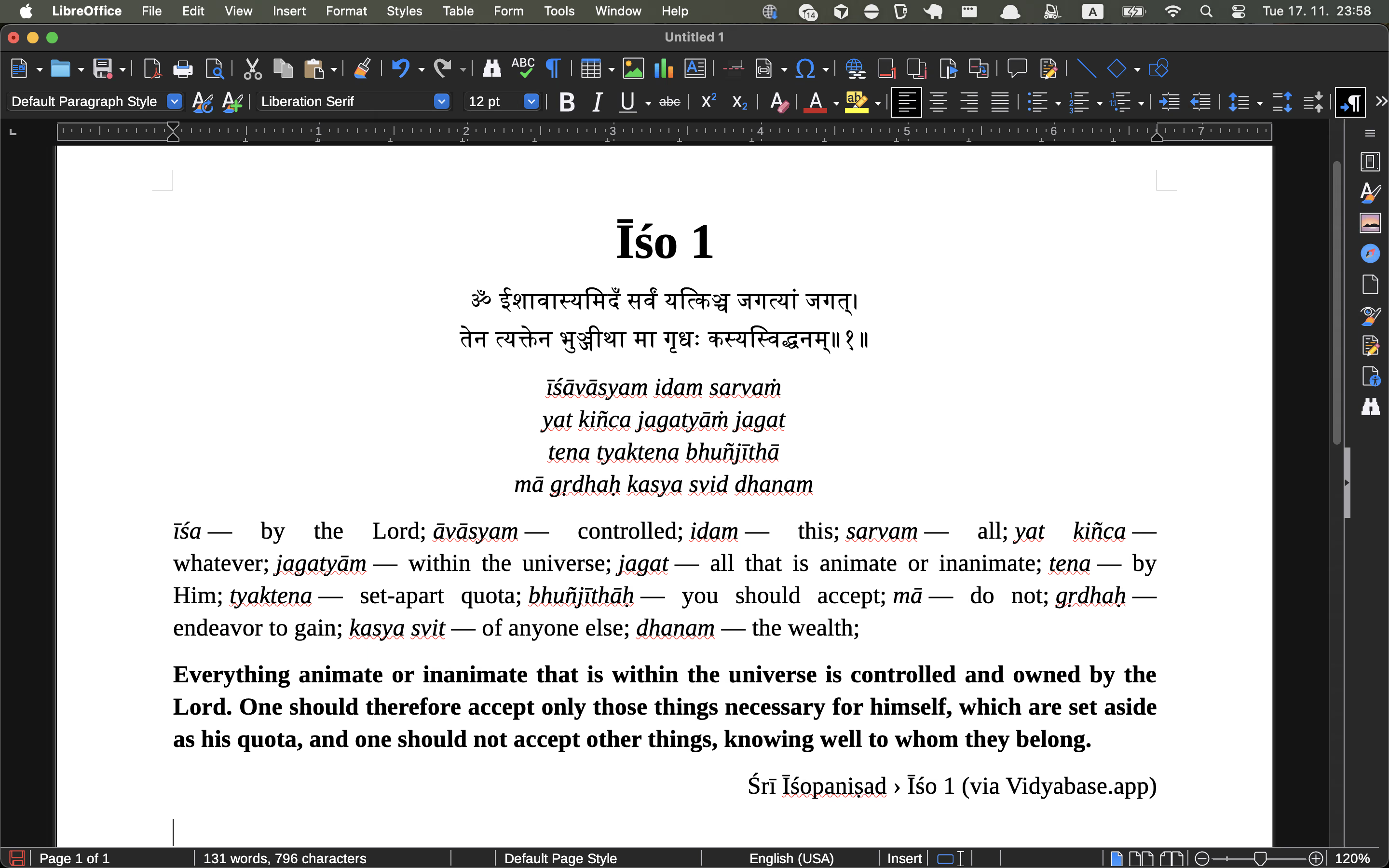
Copy a passage into Word, Pages or LibreOffice with its bold, italics and headings intact — or share it from your phone. “Copy with reference” and “Share with reference” add the source as a line with the book, chapter and verse, ending with “(via Vidyabase.app)”.
Color themes
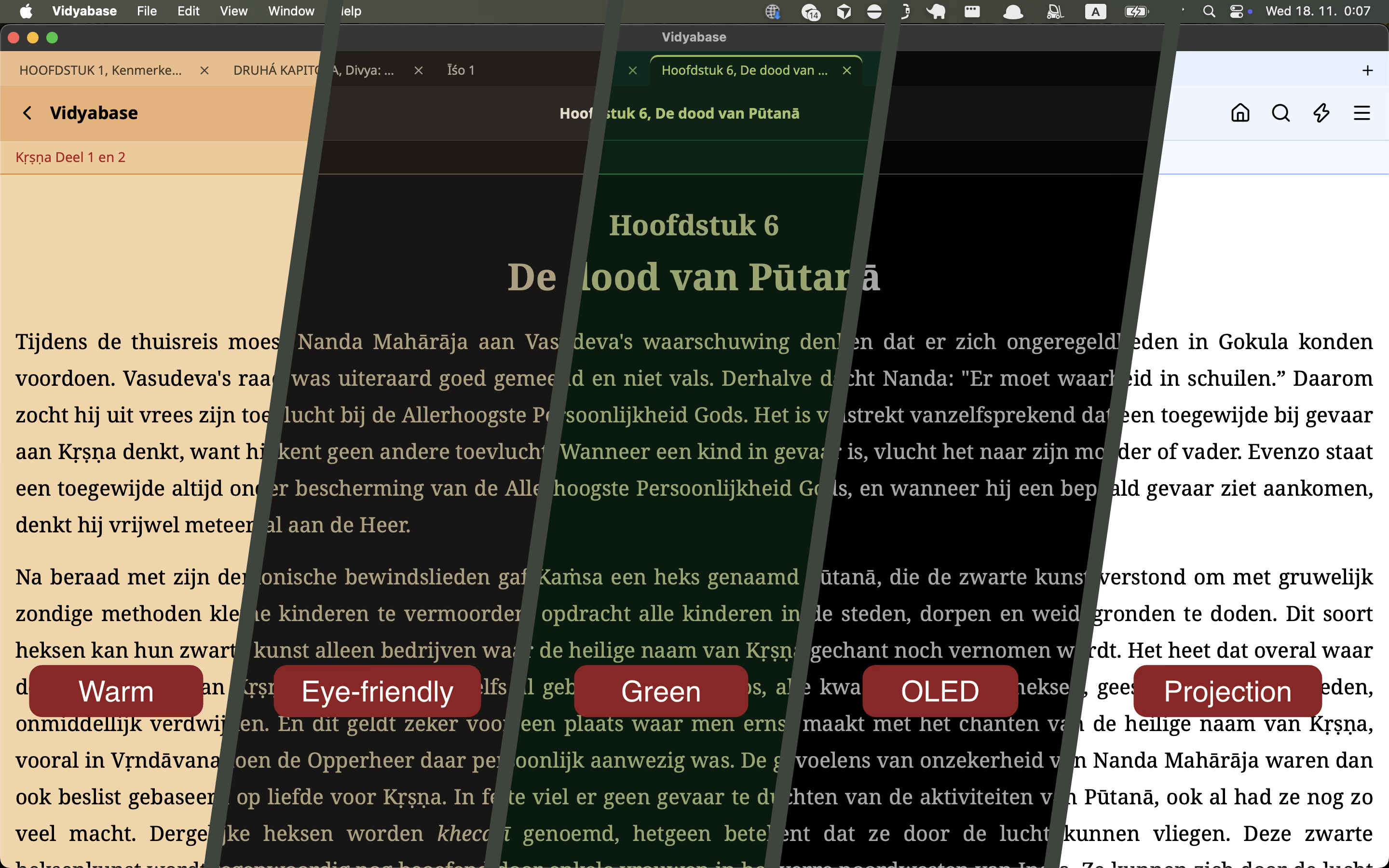
Choose from five themes — Warm, Projection, Green, OLED and Eye-Friendly — or follow your system’s light and dark mode. Adjust the text size and line spacing, switch between serif and sans, or pinch to zoom.
And the details
On a computer
Keyboard shortcuts for tabs, pages, search and Quick Navigation; drag a .vidya file onto the window to add it; zoom the whole window.
Accessible
Readable contrast in every theme, screen-reader support that uses the library’s language, full keyboard control and respect for “reduce motion”.
Private
No account, no ads and no tracking in the app. Your bookmarks, highlights and notes stay on your device.